Every game you've played, and the backlog you swear you'll get to
Sync your Steam library with box art and hours, mark what you're playing, and keep a backlog that's honest about itself.
MichelangeloSample
186 games
Games

 Playing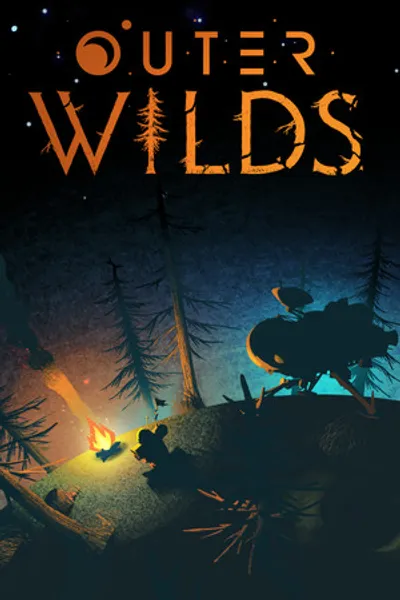
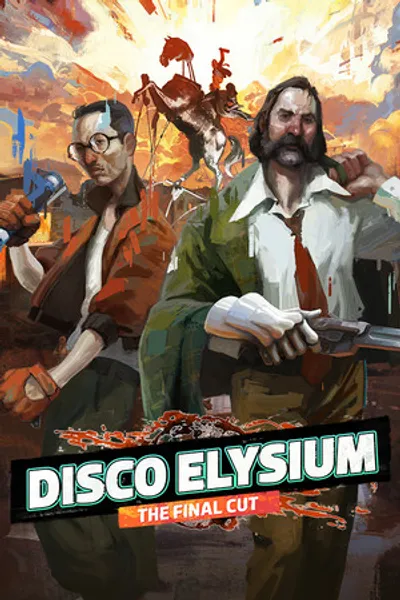
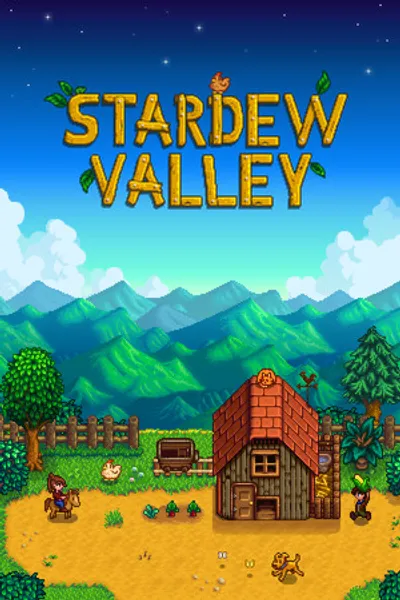

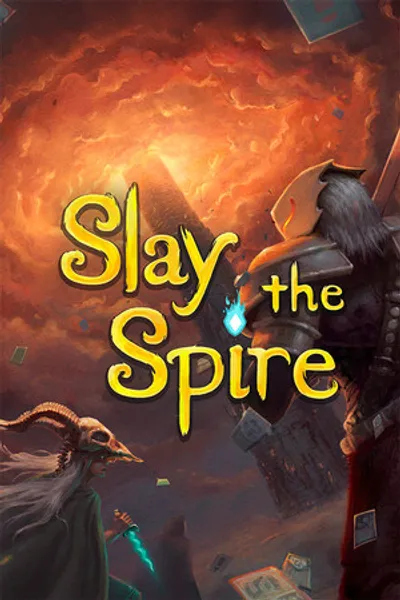
 Backlog
 Backlog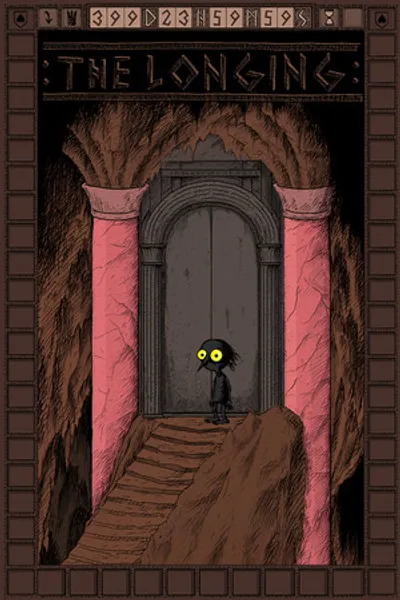
A sample profile, made up to show how a page like this looks. Michelangelo isn't a real account.
How Michelangelo uses it
Michelangelo's Steam library is bigger than their free time. They wanted to see what they'd actually finished, and be honest about what they probably never will.
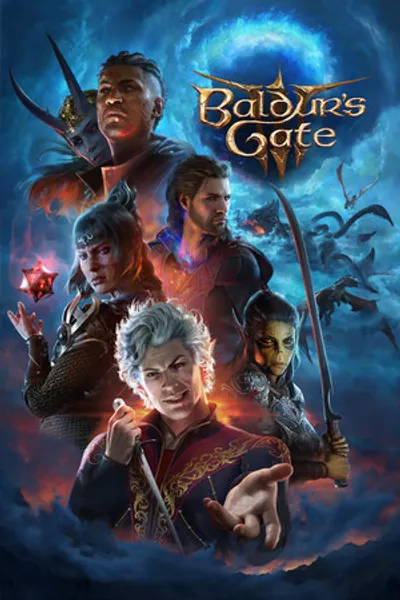
With Pro, Michelangelo connected Steam and picked which games go on the page. Only games with playtime come over, each with its hours and box art. When they've played more, they press Sync now to bring in the latest hours.
Games they mean to get to sit in Backlog. The one they're on is Playing. When a game has had its chance, it goes to Dropped instead of sitting in the backlog forever. At the end of the year, everything marked Played with a date shows up in their year in review.
What it uses
Build yours
- Sign up and pick your username.
- With Pro, connect Steam under Settings, Import.
- Pick the games you want on your page and press Sync now when you've played more.
More in the guide: Make a year in review.
Questions
Does Steam sync on its own?
No. Steam brings your games when you connect and whenever you press Sync now.
Can I add games that aren't on Steam?
Yes. Add any game by hand on any plan. Steam sync is part of Pro, and games you typed in before are matched instead of added twice.
Do games I own but never played come over?
No. Only games with playtime come over, so your page isn't padded with ones you never opened.
More use cases
- 🗂️ All in one place
- 📖 Reading log
- 🎬 Films and TV
- 🛠️ Side projects
- 💿 Record collection
- 📷 Photolog
- 🧳 Travelogue