Overview
Connect your Steam account and Logfolio reads the games you've played, with your hours and when you last played them. You choose which ones go on your profile, and Sync now brings in your latest.
Fills your Games (Pro).
What comes over
- Every game you've played, with your hours
- When you last played it, as its date
- Games played in the last two weeks show as Playing
- Steam's box art, copied to Logfolio so your visitors never load it from Valve
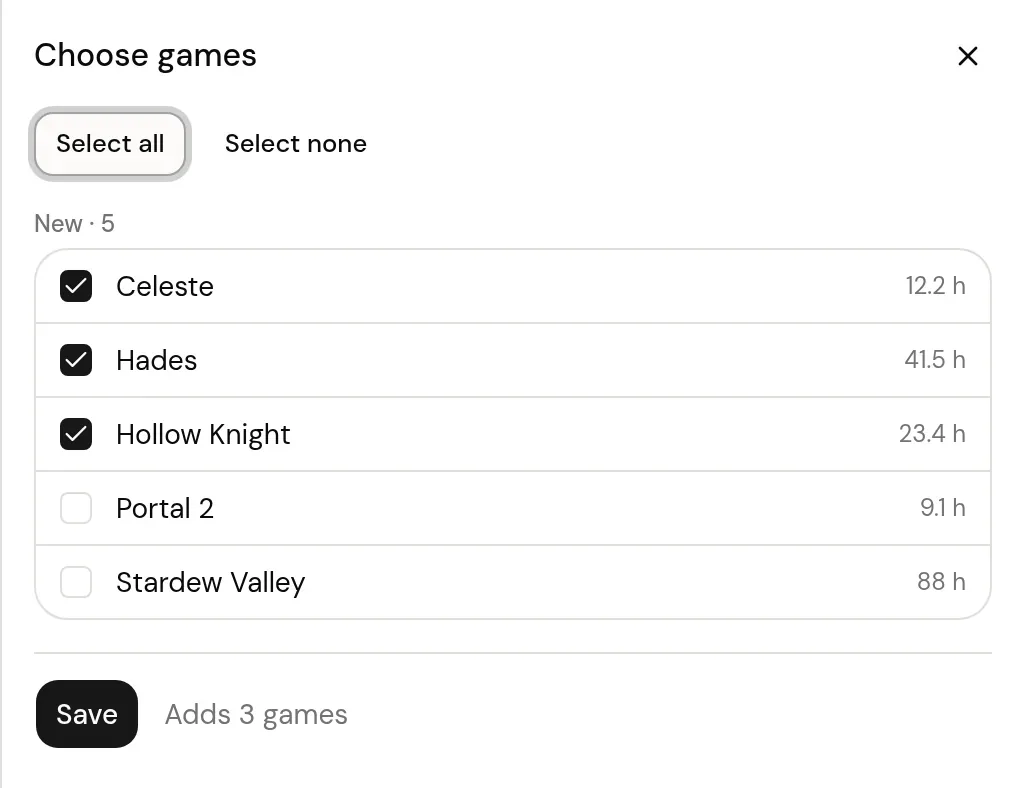
- New games wait for you to pick them; ones you leave out stay out
Good to know
- Only games with playtime come over; ones you own but never launched are left out.
- Hours are your total playtime, rounded to a tenth of an hour.
- Games you typed in by hand before are matched and taken over, not added twice.
On your profile
How it looks on your page, with made-up entries.
 Playing

 Playing
Setup
- In Logfolio (Pro), open Settings, then Import, and choose Sign in through Steam under Connected accounts.
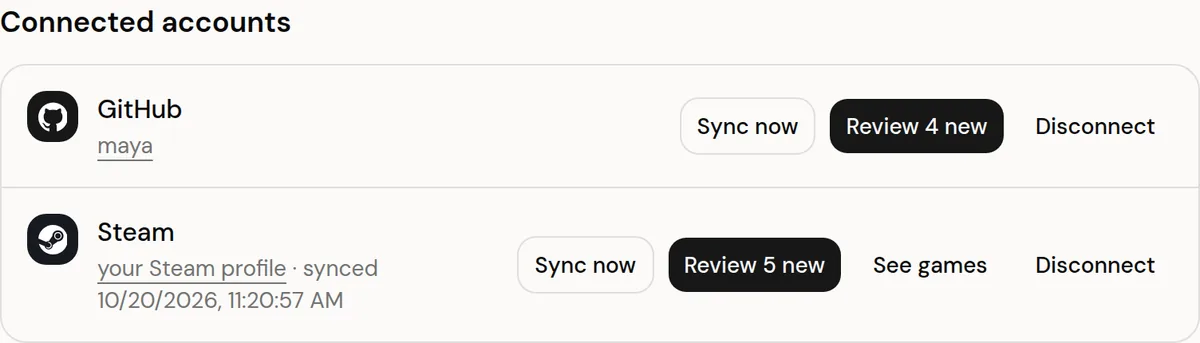
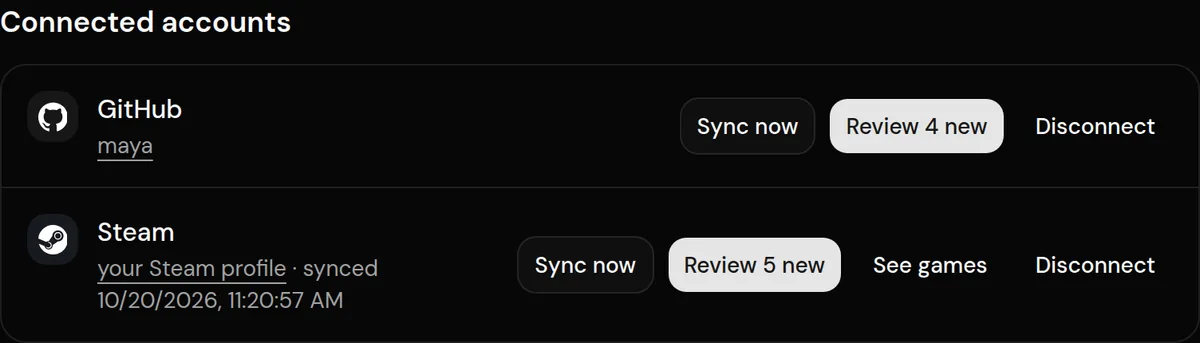
- Sign in on Steam's own page. Your game details must be public in Steam's privacy settings.
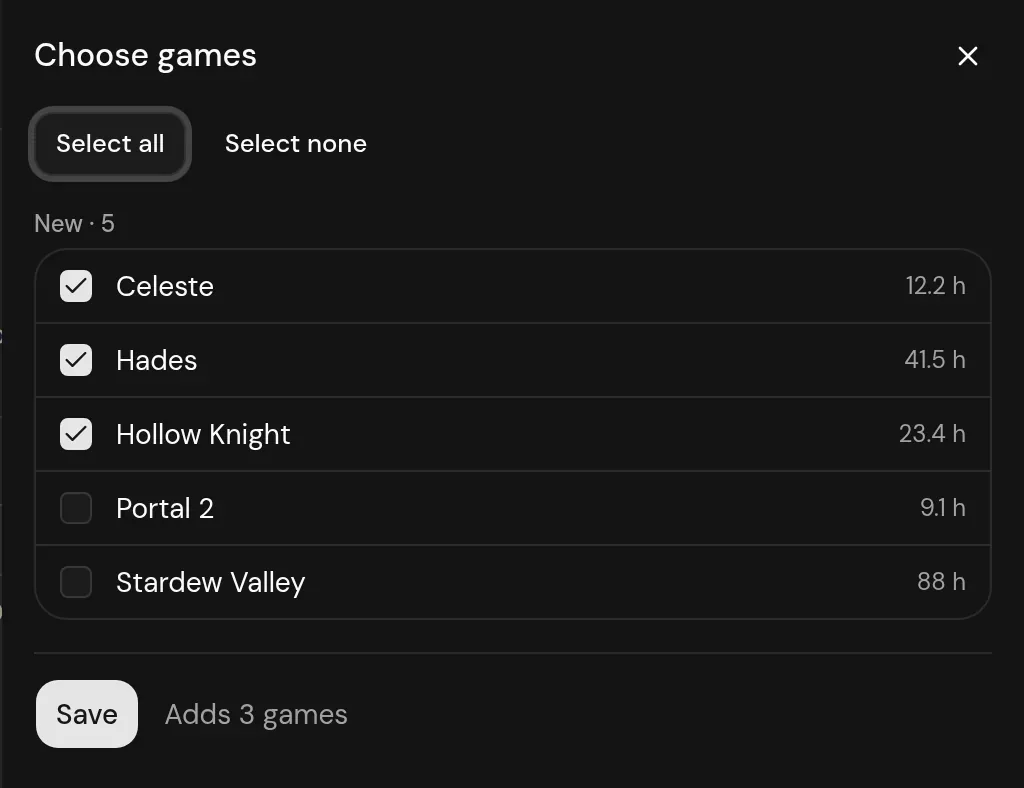
- Tick the games you want in your log, then Save. Press Sync now any time for your latest.
Privacy
- You sign in on Steam's site. Logfolio never sees your Steam password, only your SteamID.
- Steam is only read when you connect or press Sync now, never in the background.
- Disconnecting stops syncing and keeps your entries.
Plan
Part of Pro.
Questions
Do I need Pro?
Yes, syncing connected accounts is part of Pro.
Does every game I own come over?
No. Only games you've played, and only the ones you tick in the picker. Nothing goes on your profile until you choose it.
What if I typed a game in by hand before?
Steam takes it over instead of adding a copy, and your rating, review, and fields stay as you set them.
Other integrations

Steam is a trademark of its owner. Logfolio isn't affiliated with or endorsed by Steam.