Overview
Every browser can save its bookmarks as one HTML file, and Raindrop.io exports the same kind of file. Upload it to Logfolio and each link becomes a bookmark, with your folders as tags.
Fills your Bookmarks (Pro).
What comes over
- Every web link, with its title and site
- The date you saved it
- Your folders as tags (not the ones every browser has, like Bookmarks bar)
- Tags saved with a link (Raindrop.io and Pocket write them)
- Everything comes in as To read
Good to know
- Works with Chrome, Firefox, Safari, Edge, Raindrop.io, and anything that exports the same HTML format.
- Links that aren't web pages, like bookmarklets and browser shortcuts, are left out.
- The same link saved twice lands once, even if one is http and one https, or one ends in a slash.
- A link you already saved in Logfolio is skipped, even if its title is different.
- Each bookmark shows its site's icon on your page.
On your profile
How it looks on your page, with made-up entries.
- A Field Guide to CSS Gridexample.com
- How to Read a Paperexample.org
- The Pasta Primerexample.netTo read
- Notes on Typographyexample.com
Setup
- Export the file: in Chrome, Bookmarks manager, ⋮, Export bookmarks; in Firefox, Manage bookmarks, Import and Backup, Export Bookmarks to HTML; in Safari, File, Export, Bookmarks; in Raindrop.io, Export, HTML.
- Keep the .html file as it is.
- In Logfolio (Pro), open Settings, then Import, choose the file, and press Import.
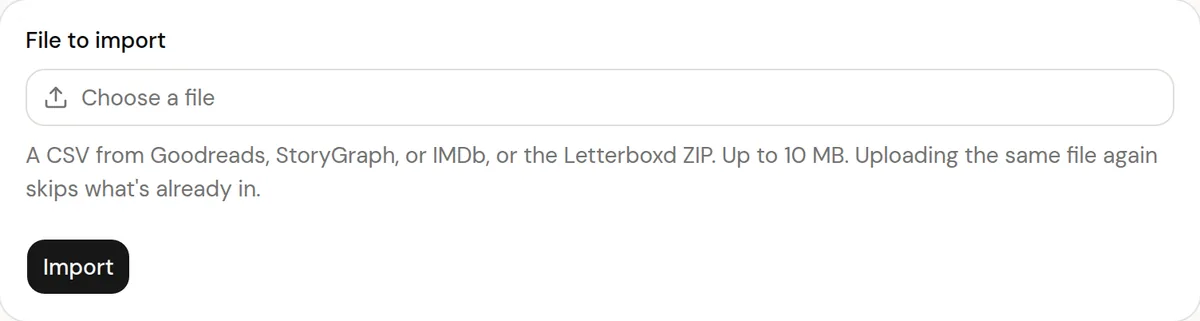
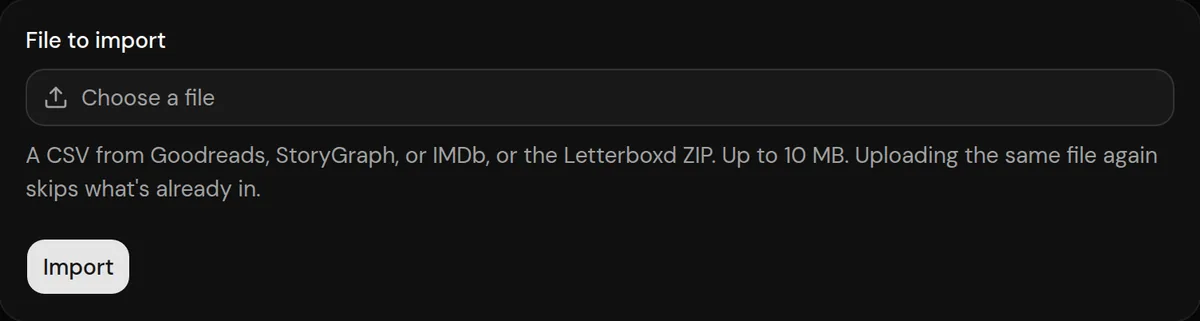
More detail in the guide to moving your history.
Privacy
- The file is read once to make your bookmarks, then thrown away.
- Logfolio doesn't open the pages on import; titles come from the file. Each site's icon is fetched once, for public bookmarks only.
Plan
Part of Pro.
Questions
Do I need Pro?
Yes, Bookmarks is a Pro type.
I have thousands of bookmarks. Is that a problem?
No. A file can be up to 10 MB, which holds tens of thousands of links.
Can I keep some private?
Yes. Mark any bookmark private after the import and it leaves your public page.
Other integrations

Bookmarks file is a trademark of its owner. Logfolio isn't affiliated with or endorsed by Bookmarks file.