Overview
Netflix lets you download each profile's viewing history as a CSV file. Upload it to Logfolio and the episodes you watched roll up into one entry per show, with your films alongside, each dated by when you last watched it.
Fills your TV and Films.
What comes over
- Every show you watched, once, dated by the last episode
- Every film you watched, dated by the last time you saw it
- Everything comes in as Watched
Good to know
- The file only has titles and dates, so there are no ratings, years, or directors to bring.
- Episodes are spotted by the season, part, or chapter in their title, like "The Crown: Season 2: Misadventure".
- Netflix writes the date in your country's order (10/14/24 or 14/10/2024); Logfolio works out which from the file.
- A film with colons in its name can now and then land as a show. Delete it and add it again in Films.
On your profile
How it looks on your page, with made-up entries.





Setup
- On the Netflix website, open Account, choose a profile, then Viewing activity.
- At the bottom, choose Download all. You get NetflixViewingHistory.csv.
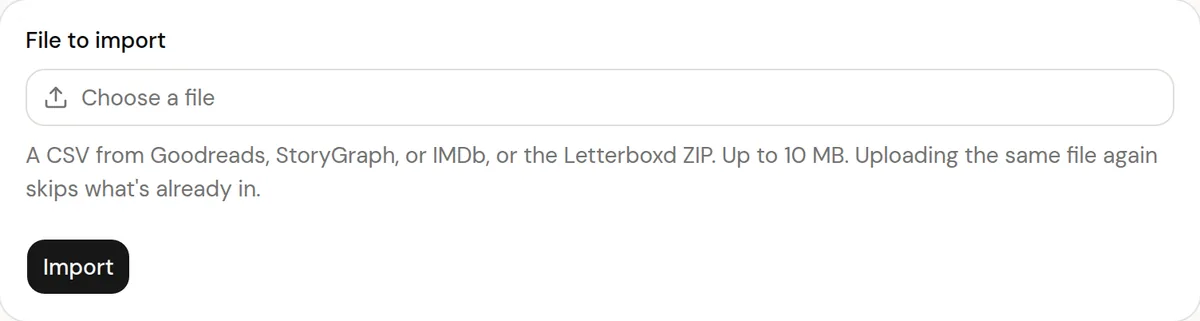
- In Logfolio, open Settings, then Import, choose the file, and press Import. Repeat for each profile you want.
More detail in the guide to moving your history.
Privacy
- Your Netflix file is read once to make your entries, then thrown away. Logfolio never signs in to Netflix.
- Reviews stay private; your public page shows titles, ratings, dates, and tags.
Plan
Free brings in up to 20 entries per type. Pro brings everything.
Questions
How much does it bring?
Free brings in up to 20 entries per type, newest first. Pro brings everything, and you can upload the same file again after upgrading to get the rest.
Can I import my whole household?
Each profile has its own file. Upload the ones that are yours; there's no need to mix in anyone else's history.
What about the full data file Netflix emails you?
Use the Download all file from Viewing activity. The bigger personal data request has a different layout that isn't read yet.
Other integrations

Netflix is a trademark of its owner. Logfolio isn't affiliated with or endorsed by Netflix.