Overview
Discogs lets you export your collection as a CSV file. Upload it to Logfolio and your records come over as albums, with the artist, the year, your rating, and whether it's on vinyl, CD, or cassette.
Fills your Albums.
What comes over
- Title, artist, and the year it was released
- Your rating
- Its format (vinyl, CD, cassette, or digital) and your collection folder, as tags
- Your collection notes (kept private)
- Your wantlist, as Want to hear
Good to know
- Discogs adds a number to tell same-named artists apart ("Prince (2)"); Logfolio leaves it off.
- Two copies of the same release stay two entries.
- The Uncategorized folder isn't turned into a tag.
- Records come in without a date: the file says when you added a record to your collection, not when you listened to it.
On your profile
How it looks on your page, with made-up entries.
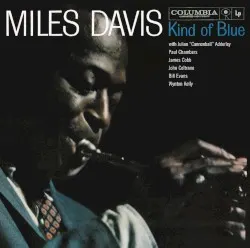
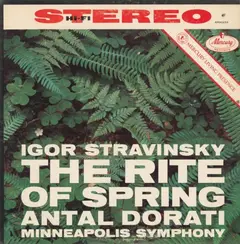

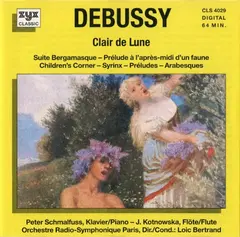 Want to hear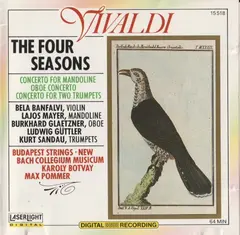
Setup
- On Discogs, open your Collection and choose Export.
- Pick Collection (or Wantlist), choose Request Data Export, and download the CSV when Discogs says it's ready.
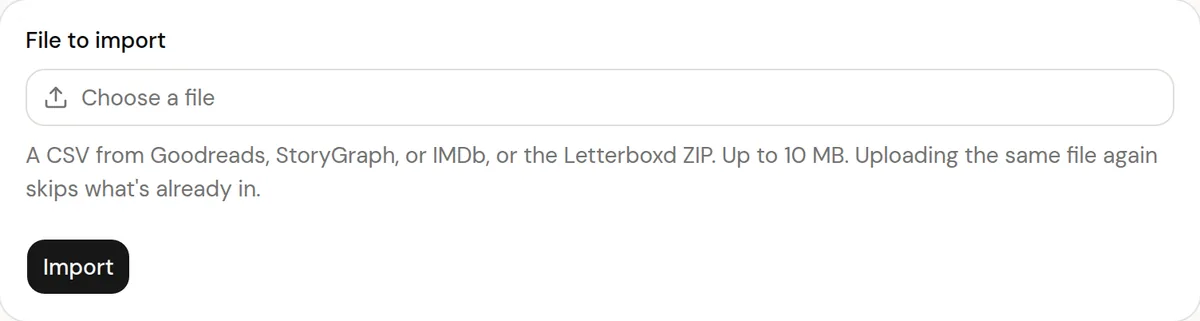
- In Logfolio, open Settings, then Import, choose the file, and press Import.
More detail in the guide to moving your history.
Privacy
- Your Discogs file is read once to make your entries, then thrown away. Logfolio never signs in to Discogs.
- Reviews stay private; your public page shows titles, ratings, dates, and tags.
Plan
Free brings in up to 20 entries per type. Pro brings everything.
Questions
How much does it bring?
Free brings in up to 20 entries per type, newest first. Pro brings everything, and you can upload the same file again after upgrading to get the rest.
Does the media and sleeve condition come over?
No. Logfolio is a log of what you listen to, so grading stays on Discogs.
Can I import the same file again?
Yes. What's already in your log is skipped and your edits are kept.
Other integrations

Discogs is a trademark of its owner. Logfolio isn't affiliated with or endorsed by Discogs.