Overview
Pocket shut down in 2025, and Mozilla deleted its users' data from November 12, 2025. If you exported your saves before then, upload that file to Logfolio and your articles come back as bookmarks.
Fills your Bookmarks (Pro).
What comes over
- Every saved article, with its title, link, and site
- The date you saved it
- Your Pocket tags
- Archived articles as Read, unread ones as To read
Good to know
- Works with the CSV Pocket sent (also inside its ZIP) and with Pocket's older HTML export, ril_export.html.
- The same link saved twice lands once.
- A link you already saved in Logfolio is skipped.
- Pocket's servers are gone, so there's no way to export now; only files you already have will work.
On your profile
How it looks on your page, with made-up entries.
- The Long Read on Slow Cookingexample.comTo read
- Why We Sleepexample.org
- A Short History of Mapsexample.net
Setup
- Find the Pocket export you downloaded: a CSV, a ZIP, or ril_export.html.
- Keep it as it is. There's no need to unzip it.
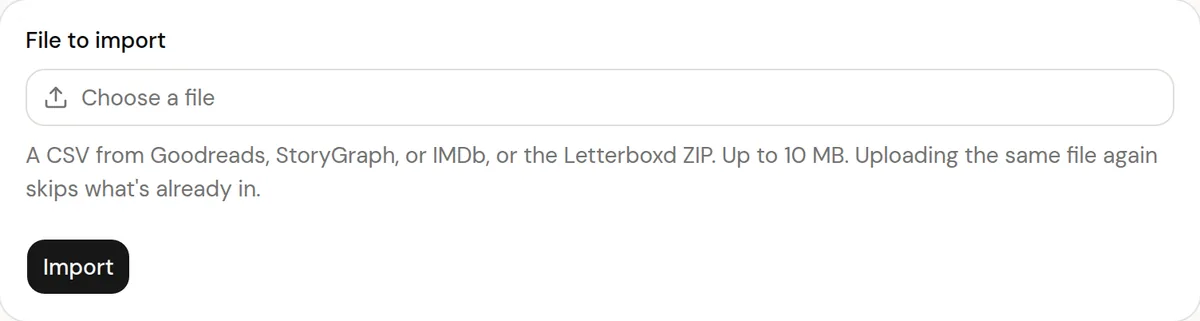
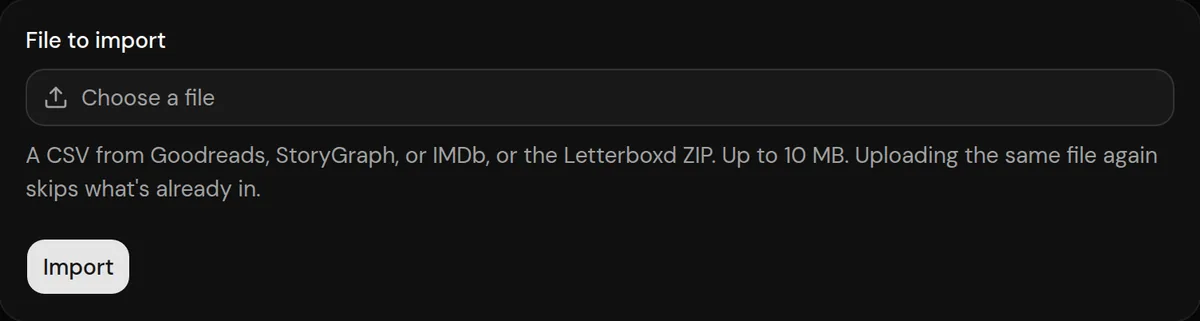
- In Logfolio (Pro), open Settings, then Import, choose the file, and press Import.
More detail in the guide to moving your history.
Privacy
- Your Pocket file is read once to make your entries, then thrown away. Logfolio never signs in to Pocket.
- Reviews stay private; your public page shows titles, ratings, dates, and tags.
Plan
Part of Pro.
Questions
Do I need Pro?
Yes, Bookmarks is a Pro type.
I didn't export in time. Can I still get my saves?
Not from Pocket. Mozilla says user data was deleted from November 12, 2025.
Can I import the same file again?
Yes. What's already in your log is skipped and your edits are kept.
Other integrations

Pocket is a trademark of its owner. Logfolio isn't affiliated with or endorsed by Pocket.