Overview
Spotify lets you download your data, including your full listening history. Upload it to Logfolio and the albums you actually listened to come over, each dated by the last time you played it, along with the albums you saved.
Fills your Albums.
What comes over
- Albums you played: three or more different tracks for 30 seconds or longer, or 20 minutes of the album in all
- The artist, and the date you last played it
- Albums saved in your library (from Account data), without a date
Good to know
- Use Extended streaming history. The quicker Account data download has no album names in its plays, so from that one only your saved albums come over.
- A single, or one song a playlist reached, doesn't add its album.
- Podcasts and plays without track details are left out.
- Upload the whole ZIP, or one Streaming_History_Audio file or YourLibrary.json at a time if the ZIP is over 10 MB.
On your profile
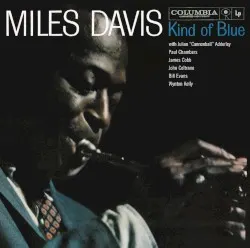
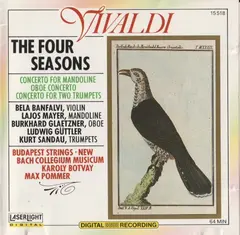
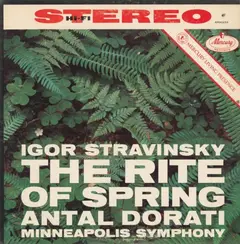
How it looks on your page, with made-up entries.


Setup
- On Spotify, open your Account privacy page and use Download your data. Ask for Extended streaming history (and Account data, for saved albums).
- When Spotify emails you that it's ready, download the ZIP.
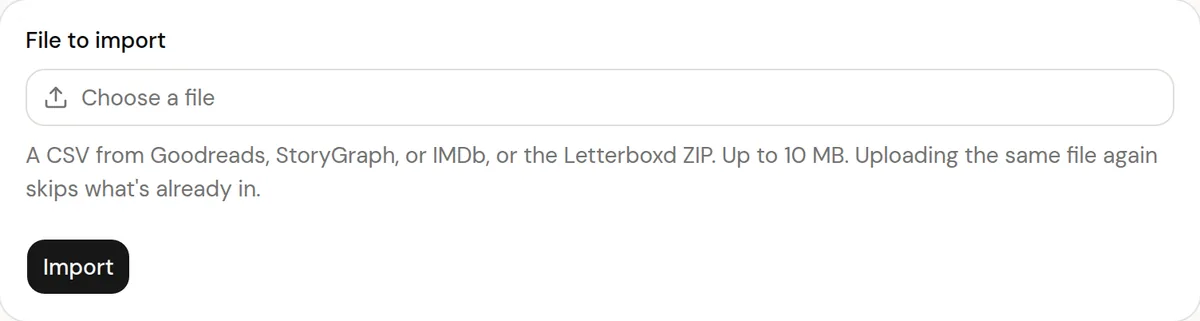
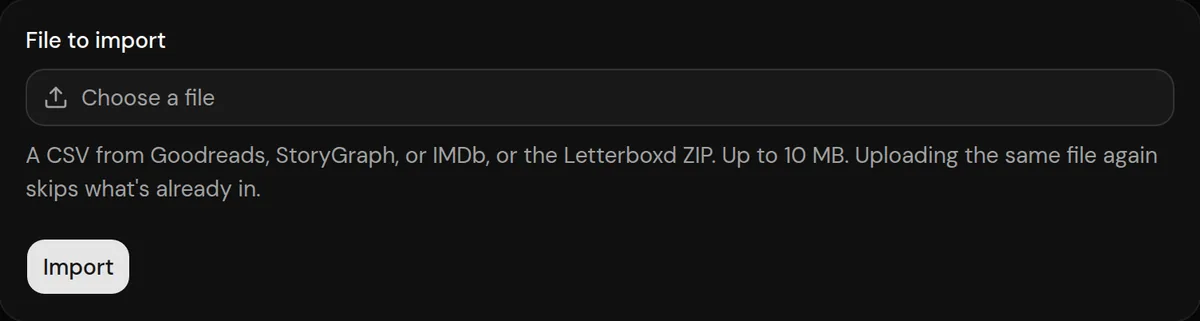
- In Logfolio, open Settings, then Import, choose the ZIP, and press Import.
More detail in the guide to moving your history.
Privacy
- Your Spotify file is read once to make your entries, then thrown away. Logfolio never signs in to Spotify.
- Reviews stay private; your public page shows titles, ratings, dates, and tags.
Plan
Free brings in up to 20 entries per type. Pro brings everything.
Questions
How much does it bring?
Free brings in up to 20 entries per type, newest first. Pro brings everything, and you can upload the same file again after upgrading to get the rest.
Does it keep syncing?
No. It's a one-time import of the file you upload. Upload a newer download later and only albums that aren't in your log yet are added.
Can I import the same file again?
Yes. What's already in your log is skipped and your edits are kept.
Other integrations

Spotify is a trademark of its owner. Logfolio isn't affiliated with or endorsed by Spotify.