Overview
Connect GitHub and your public repos become entries in a Projects type, with their link, description, language, and stars. It stays up to date on its own each day, and you choose which repos show.
Fills your Projects (a custom type).
What comes over
- Your public repos (forks are left out), up to 500
- Link, description, language, and stars
- The last push as the date; archived repos show as done
- A Projects type of your own, or one you already have
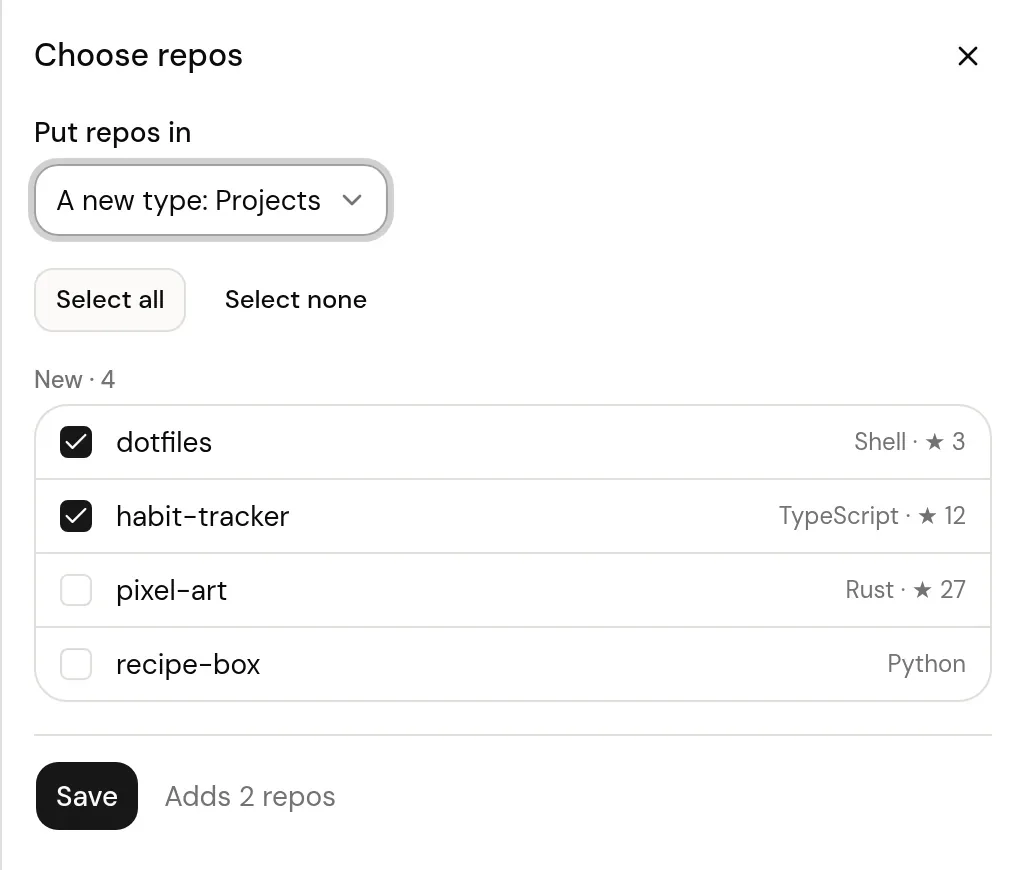
- New repos wait for you to pick them; ones you leave out stay out
Good to know
- Forks are left out, so the list is the work that's yours.
- Up to 500 repos come over, newest push first.
- The daily sync refreshes each repo's description, language, and stars. Your title, status, rating, and review stay as you set them.
On your profile
How it looks on your page, with made-up entries.
- dotfilesShell
- habit-trackerTypeScriptActive
- recipe-boxPython
- pixel-artRustActive
- blogAstro
Setup
- In Logfolio (Pro), open Settings, then Import, and choose Connect with GitHub.
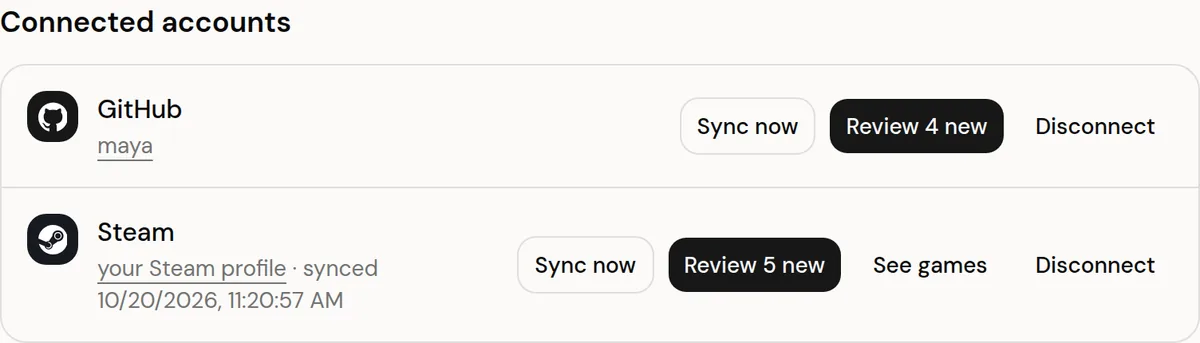
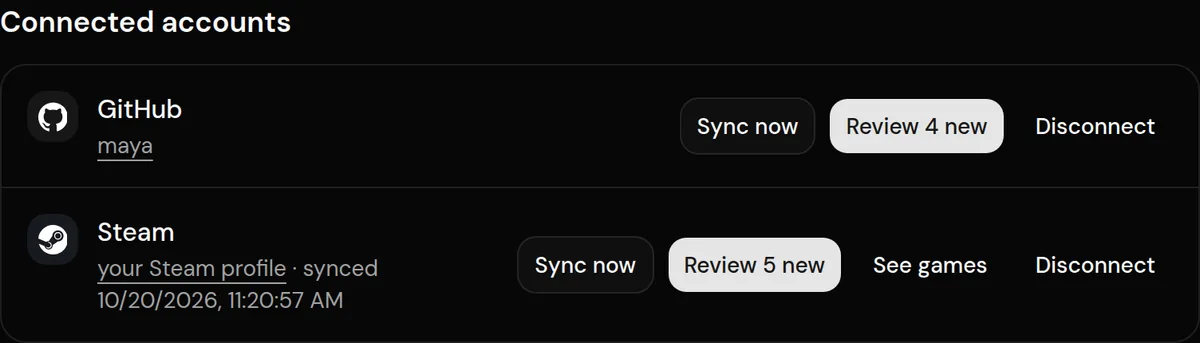
- Sign in on GitHub to show the account is yours.
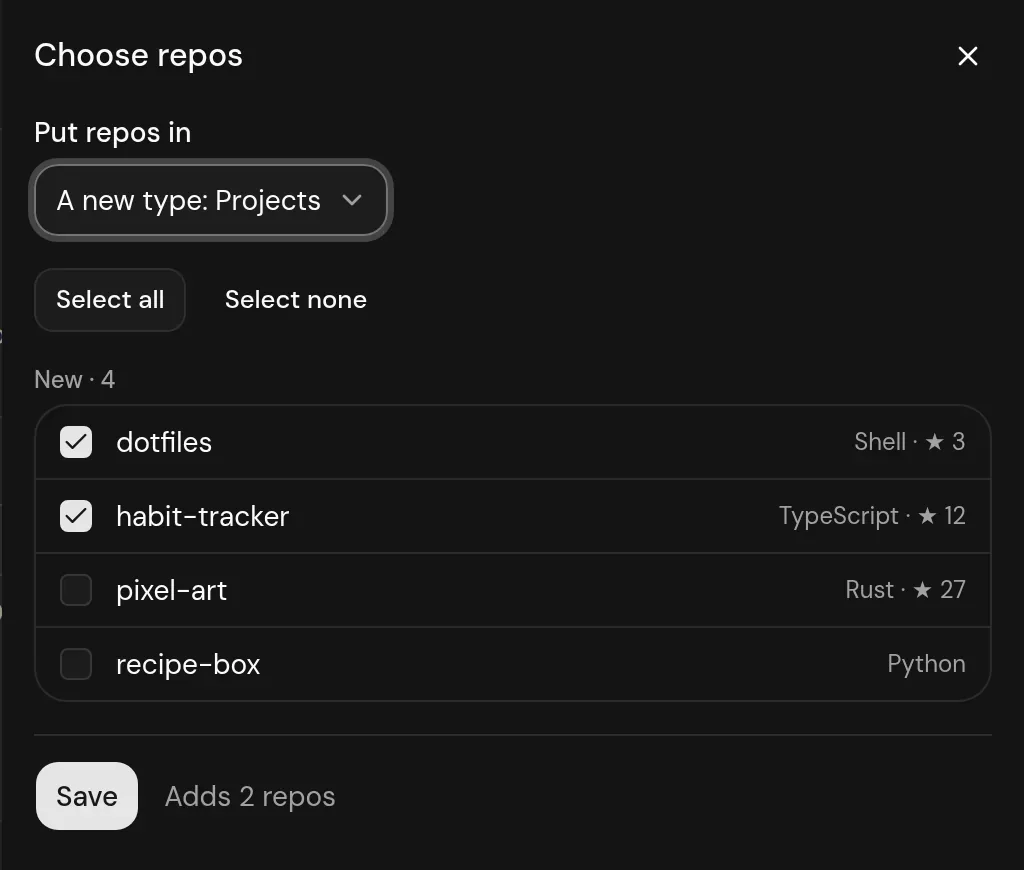
- Pick where repos go (a new Projects type or one of yours), tick the ones you want, and Save.
Privacy
- Logfolio asks for no permissions, reads only your username, and doesn't keep the sign-in token.
- Only public repo data is read, when you connect, when you press Sync now, and once a day.
- Disconnecting stops syncing and keeps your entries.
Plan
Part of Pro.
Questions
Do I need Pro?
Yes, syncing connected accounts and custom types are part of Pro.
Can Logfolio see my private repos?
No. It asks for no permissions and only reads what's public on your profile.
Can I rename Projects?
Yes. It's your own type: rename it, change its fields, or pick another type when you connect.
Other integrations

GitHub is a trademark of its owner. Logfolio isn't affiliated with or endorsed by GitHub.