Overview
StoryGraph lets you export your library as a CSV file. Upload it to Logfolio and your books come over with your rating, read status, the last date you read them, and your tags.
Fills your Books.
What comes over
- Title, author, and ISBN
- Your star rating and read status
- The last date you read it
- Your review (kept private) and your tags
Good to know
- StoryGraph doesn't publish its export format, so Logfolio reads the columns its exports are known to have and skips any that are missing.
- Read a book more than once? It comes over once, with your most recent finish date.
- Paused books show as Reading, and did-not-finish as Dropped.
- Books without an ISBN still come over, using StoryGraph's own id.
On your profile
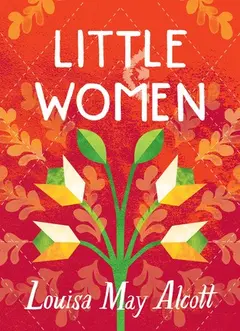
How it looks on your page, with made-up entries.
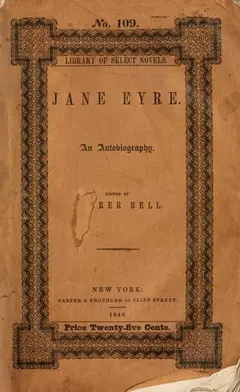

 Reading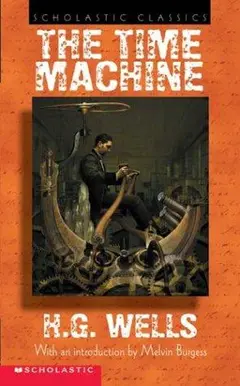
Setup
- On StoryGraph, open Manage Account.
- Choose Export StoryGraph Library and download the CSV.
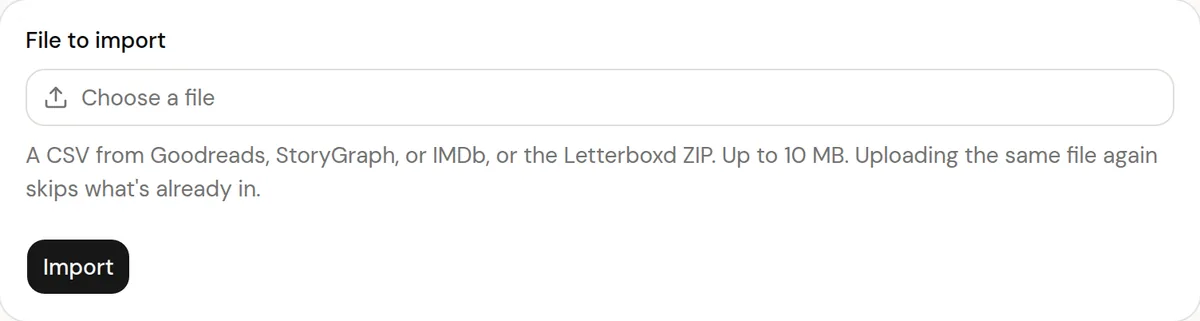
- In Logfolio, open Settings, then Import, choose the file, and press Import.
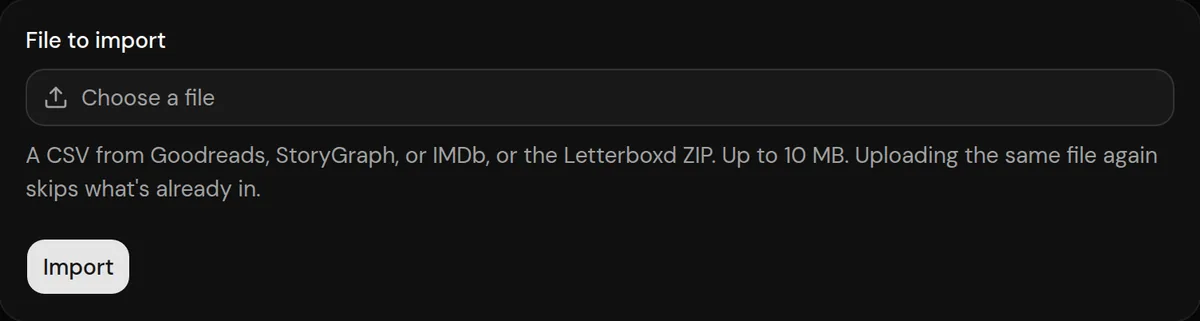
More detail in the guide to moving your history.
Privacy
- Your StoryGraph file is read once to make your entries, then thrown away. Logfolio never signs in to StoryGraph.
- Reviews stay private; your public page shows titles, ratings, dates, and tags.
Plan
Free brings in up to 20 entries per type. Pro brings everything.
Questions
How much does it bring?
Free brings in up to 20 entries per type, newest first. Pro brings everything, and you can upload the same file again after upgrading to get the rest.
Which StoryGraph columns are used?
Title, authors, ISBN, read status, the dates you read it, your star rating, review, and tags. Other columns in the file are left out.
Can I import from both StoryGraph and Goodreads?
Yes. A book that's in both files lands once; only a different finish date counts as another read or watch.
Can I import the same file again?
Yes. What's already in your log is skipped and your edits are kept.
Other integrations

StoryGraph is a trademark of its owner. Logfolio isn't affiliated with or endorsed by StoryGraph.