A reading log for every book you finish
Keep every book you read, want to read, or gave up on, plus the lines worth remembering, on one page you can share.
LeonardoSample
61 books · 14 quotes
Books
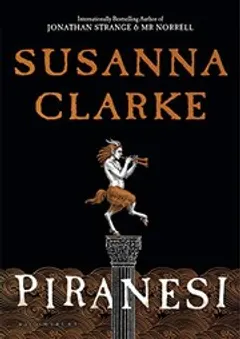
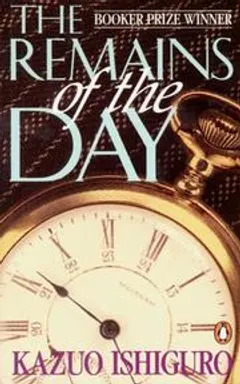
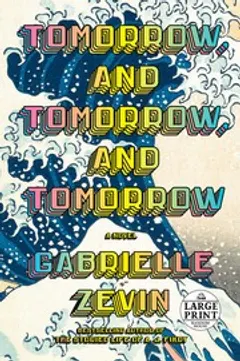 Reading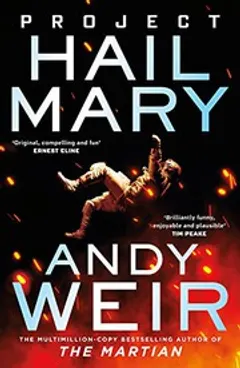
Quotes
A sample profile, made up to show how a page like this looks. Leonardo isn't a real account.
How Leonardo uses it
Leonardo reads on the train, mostly novels, and adds a book to Want to read the moment someone recommends it. That pile used to live in a notes app and got lost every time he changed phones.
He started by importing his Goodreads library, so his ratings, dates, and shelves came with it. His shelves turned into tags, and visitors can tap one, like book-club, to see just those books.
When a line stops him, he highlights it on his Kindle. Every few months he uploads his clippings file and the highlights land in Quotes, with the book and author attached. Books he gave up on go to Dropped, so he remembers why and doesn't buy them again.
What it uses
Build yours
- Sign up and pick your username.
- Import your Goodreads or StoryGraph file, or add books as you go.
- Mark up to five as featured and share your page.
More in the guide: How to keep a reading log.
Questions
Can I bring my Goodreads shelves?
Yes. Your shelves become tags, and your ratings and read dates come over too. StoryGraph exports work the same way.
Do Kindle highlights need Pro?
Yes. Quotes and the Kindle import are part of Pro. The highlights come from the My Clippings.txt file on your Kindle, including books you didn't buy from Amazon.
What if I don't remember when I finished a book?
Set just the month or just the year. It still counts toward the right year in your stats.
More use cases
- 🗂️ All in one place
- 🎬 Films and TV
- 🎮 Game backlog
- 🛠️ Side projects
- 💿 Record collection
- 📷 Photolog
- 🧳 Travelogue