
Import from KindleFile importPro
Turn your Kindle highlights into quotes
Overview
Every Kindle e-reader keeps your highlights in a file called My Clippings.txt, including books you didn't buy from Amazon. Upload it to Logfolio and each highlight becomes a quote, with its author and the book it came from.
Fills your Quotes (Pro).
What comes over
- Each highlight, as a quote
- The author, as Said by
- The book, as the quote's Source
- The date you highlighted it
Good to know
- Notes and bookmarks are left out; only highlights come over.
- The same highlight saved twice lands once.
- Highlights from any book on your Kindle come over, not just ones bought from Amazon.
- The file has to come from a Kindle set to English; other languages label clippings differently.
On your profile
How it looks on your page, with made-up entries.
- You have power over your mind, not outside events.Marcus Aurelius
- I went to the woods because I wished to live deliberately.Henry David Thoreau
- It is a truth universally acknowledged.Jane Austen
Setup
- Connect your Kindle to a computer with its USB cable.
- Open the Kindle drive, then the documents folder, and copy My Clippings.txt.
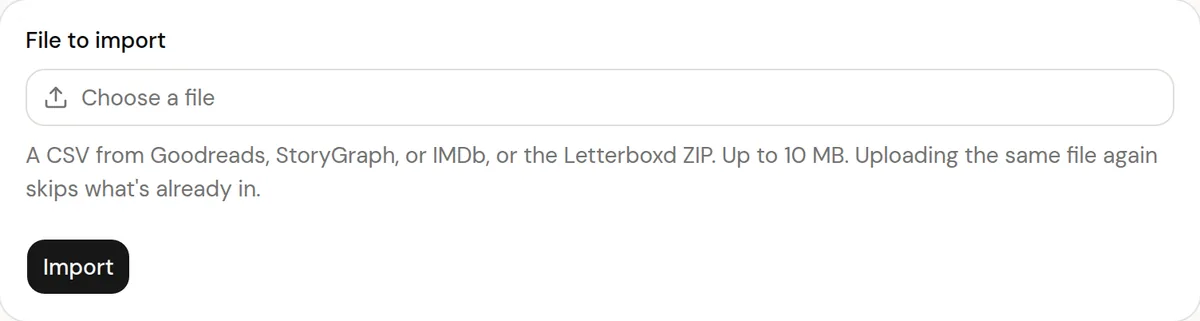
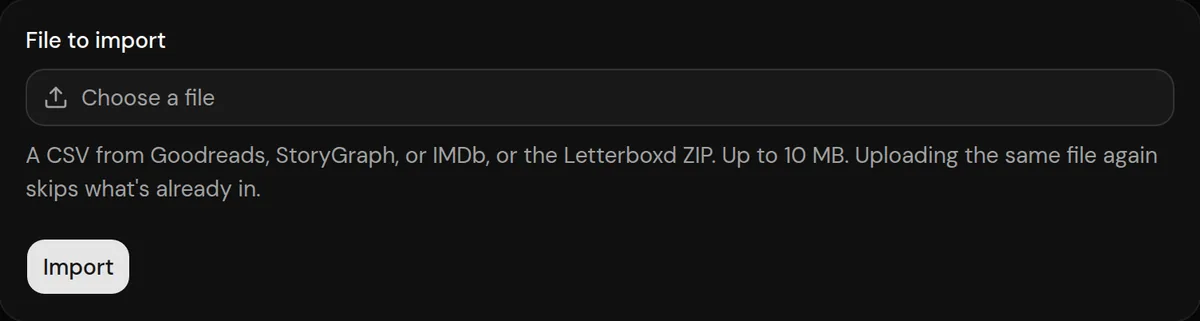
- In Logfolio (Pro), open Settings, then Import, choose the file, and press Import.
More detail in the guide to moving your history.
Privacy
- Your Kindle file is read once to make your entries, then thrown away. Logfolio never signs in to Kindle.
- Reviews stay private; your public page shows titles, ratings, dates, and tags.
Plan
Part of Pro.
Questions
Do I need Pro?
Yes, Quotes is a Pro type.
Does it work with the Kindle app on my phone?
No. My Clippings.txt is made by Kindle e-readers; the Kindle apps don't create it.
Each quote gets its own page?
Yes. Public quotes get a page and a share image of their own, so you can post one anywhere.
Can I import the same file again?
Yes. What's already in your log is skipped and your edits are kept.
Other integrations
Kindle is a trademark of its owner. Logfolio isn't affiliated with or endorsed by Kindle.